
Free up your Mac's disk space.
Save disk space with symlinks. Symbiote keeps your apps and large files on an external drive while they still appear right where you expect them — using lightweight symbolic links. No copying, no duplication.

$1.99 · Requires macOS 15 or later
See Symbiote in action
What is a symbolic link?
A symbolic link (or symlink) is a tiny pointer to a file or folder that lives somewhere else on your disk. To macOS, Finder, and your apps, a symlink behaves exactly like the real thing — apps launch, files open, and everything shows up right where you expect — but it takes up virtually no space, because the actual data stays wherever it really lives.
Set it once, and forget it.
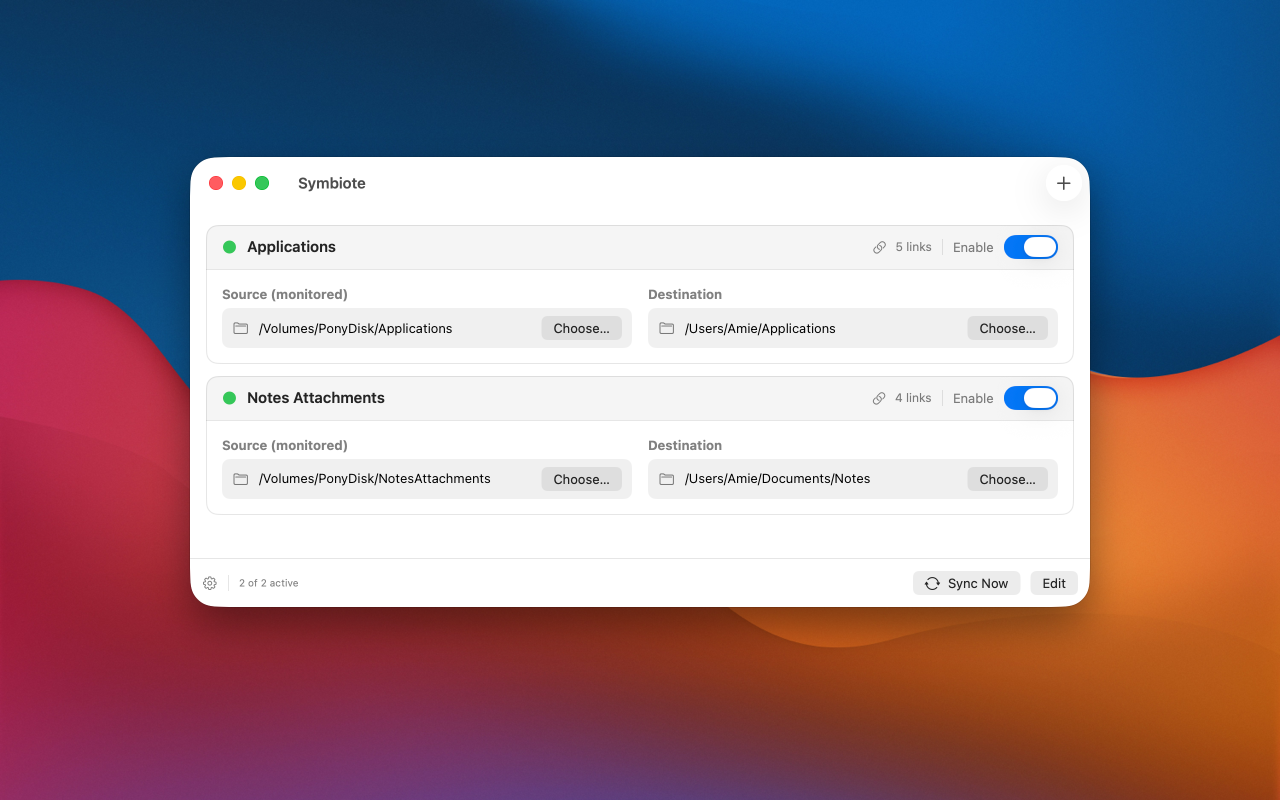
Symbiote watches your source folders and keeps each destination in sync automatically.
Pick a source
Choose a folder on your external drive where your apps or files actually live.
Pick a destination
Point it at /Applications, your Documents, or any folder you like.
Stay in sync
Symbiote links new items automatically and cleans up links when you remove them.
Small utility. Big space savings.
Everything you need to keep files off your internal drive without changing how you work.
Multiple folder pairs
Set up as many source → destination pairs as you need, each enabled independently.
Real-time, efficient sync
Powered by macOS FSEvents, Symbiote updates only what changed — fast, even with large folders.
Auto-resume on reconnect
Unplug your external drive and plug it back in — Symbiote picks right back up on its own.
Status at a glance
Each pair shows whether it's active, paused, or needs attention, plus a live link count.
Sync on demand
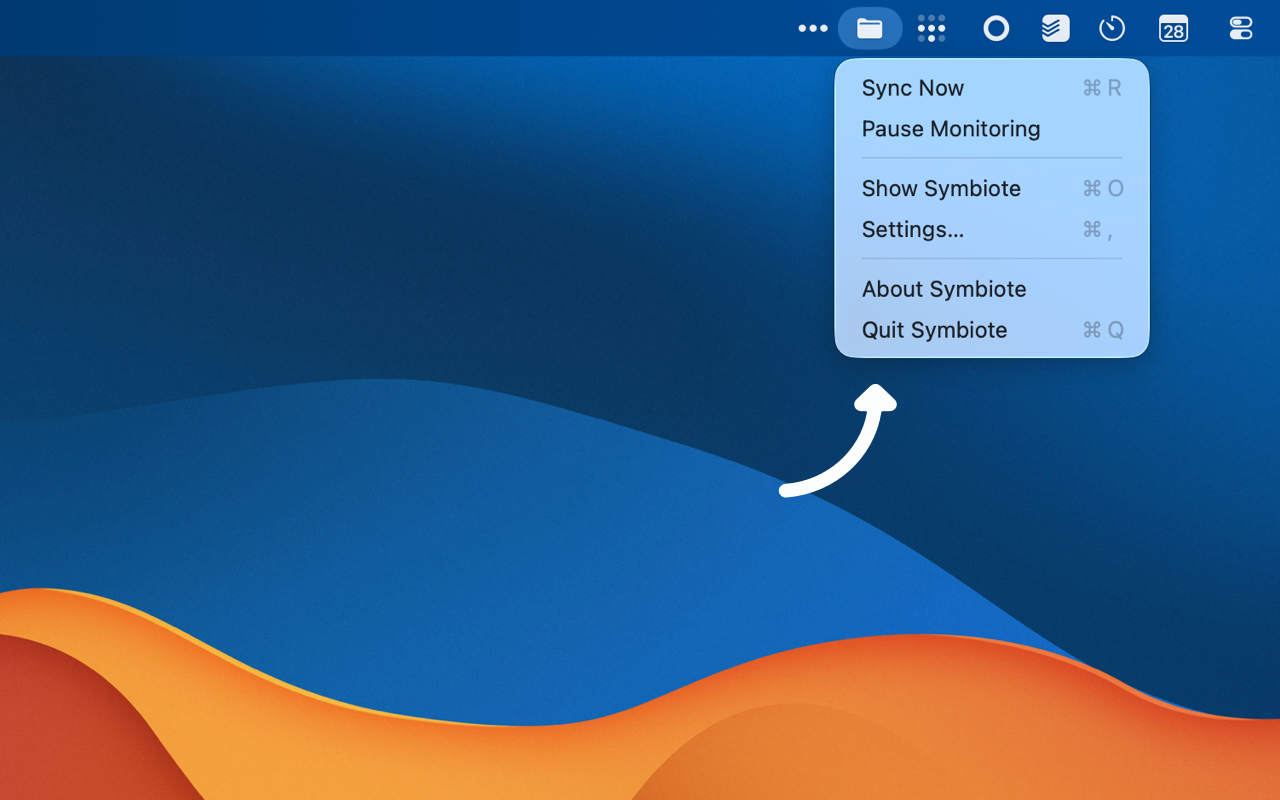
Hit Sync Now anytime to reconcile everything immediately — handy after big changes.
Private & sandboxed
Runs in the macOS sandbox, accesses only the folders you choose, and collects no data.
A perfect fit when storage runs tight.
Apps on an external drive
Install apps externally but launch them from /Applications as usual.
Photo & video libraries
Keep big libraries and projects off your main drive without losing access.
Obsidian & note vaults
Store large attachments externally while your notes stay local.
Space-limited Macs
Reclaim internal storage on a Mac mini or any Mac with a small SSD.
Reclaim your disk space today.
Symbiote 2.0 is just $1.99 on the Mac App Store — and a free update for existing users.